The 5 Stages of Using AI

A Puppy's Guide to Becoming an AI Master!

Made for Jaeha — future AI expert

Stage 1: Chat with AI
Stage 1

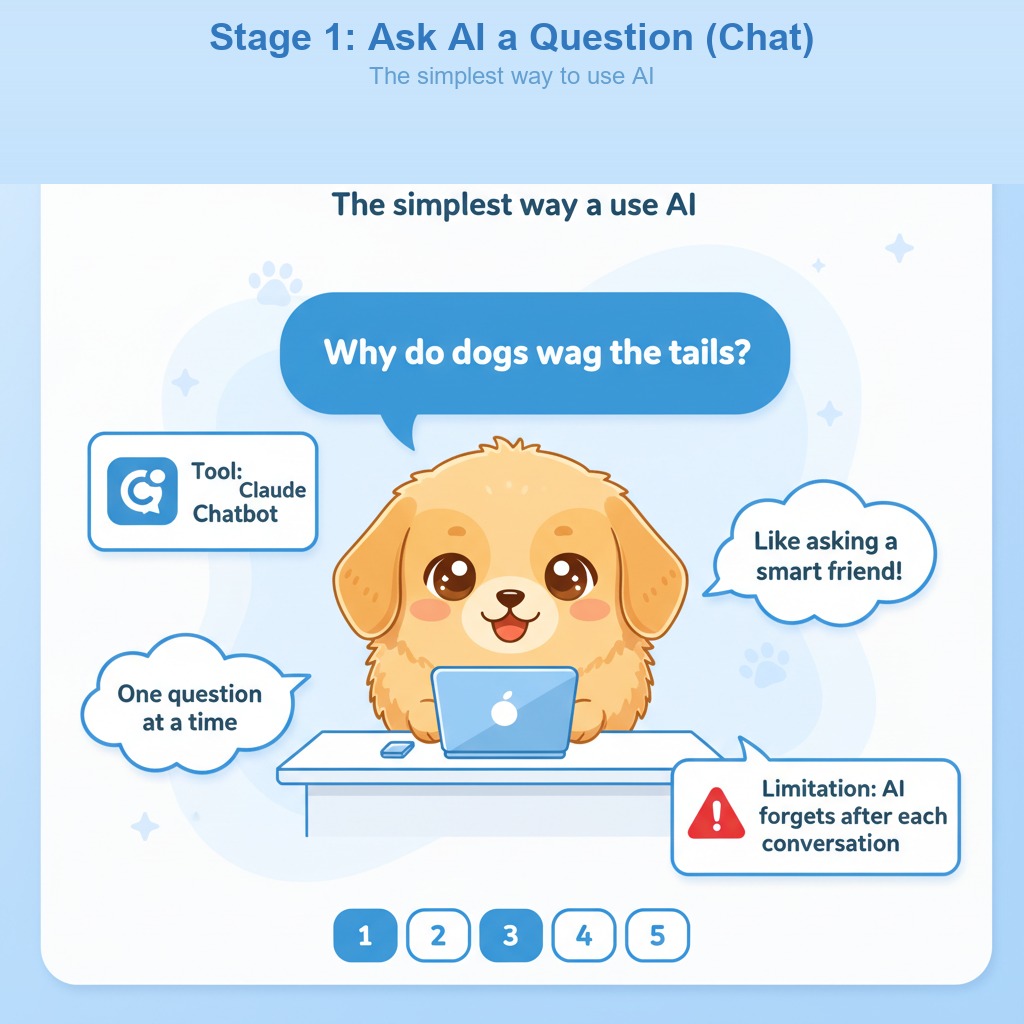
Ask AI a Question (Chat)

You type a question, and AI answers! It's like texting a super-smart friend who knows about almost everything.

"Why do dogs wag their tails?" — and AI gives you an answer right away!
Claude Chatbot (claude.ai)
AI forgets after each conversation — so each chat starts fresh!
Sunlight hits tiny molecules in the air and scatters blue light in all directions. That's why we see blue when we look up!
Rockets burn fuel super fast, pushing hot gas downward. By Newton's 3rd law, the rocket gets pushed upward! It's like letting go of an inflated balloon.
Yes! Dogs have similar sleep cycles to humans. When you see their paws twitching, they're probably dreaming about chasing squirrels!
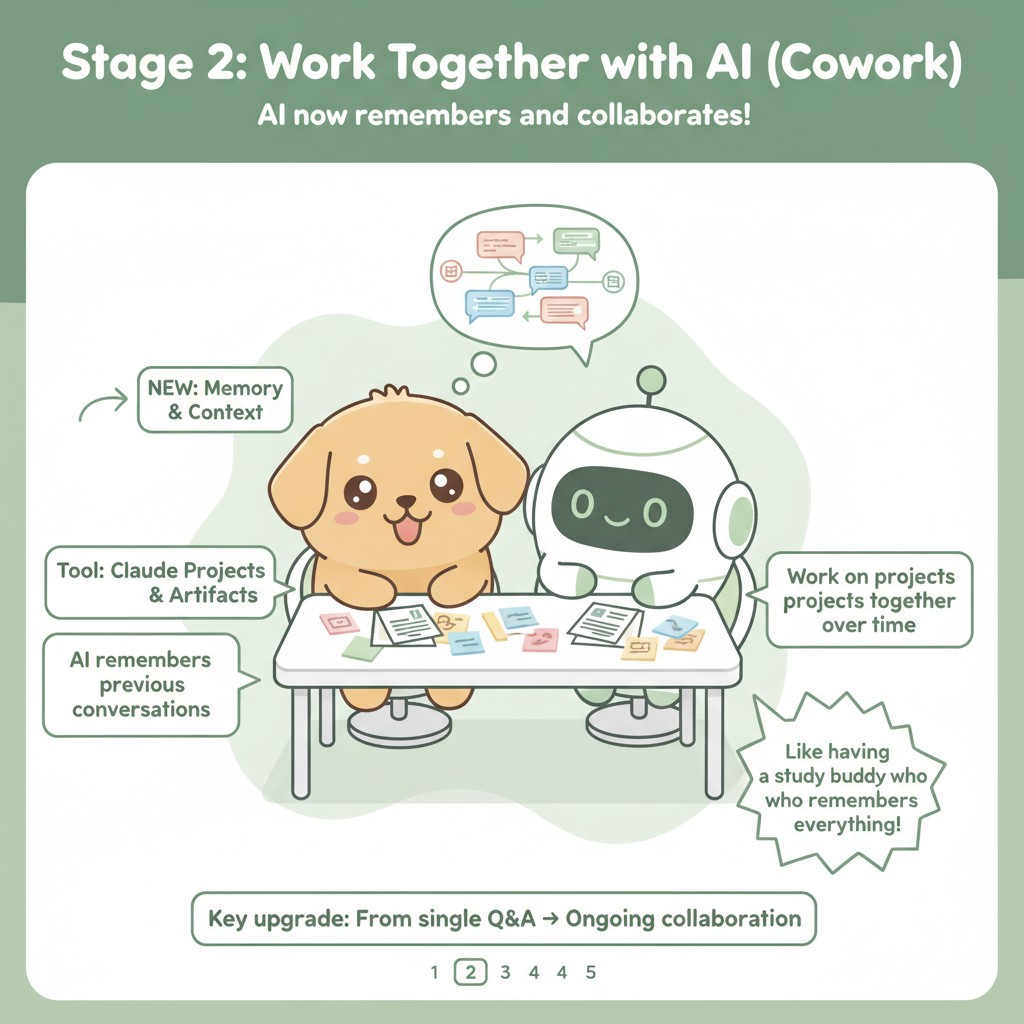
Stage 2

Work Together with AI (Cowork)

Instead of one question at a time, you work on a whole project together. AI remembers your previous conversations!

Build a story together, chapter by chapter — AI remembers the characters and plot!
Claude Projects & Artifacts
From single Q&A → Ongoing collaboration
Remembers
Context
AI keeps track of everything you talked about before!
Saves
Files
Your work is saved as Artifacts you can revisit anytime!
Builds
On Ideas
Each message builds on the last — like a real teammate!
Stage 2: Cowork with AI
Stage 3: CLI
Stage 3

Command AI with Code (CLI)

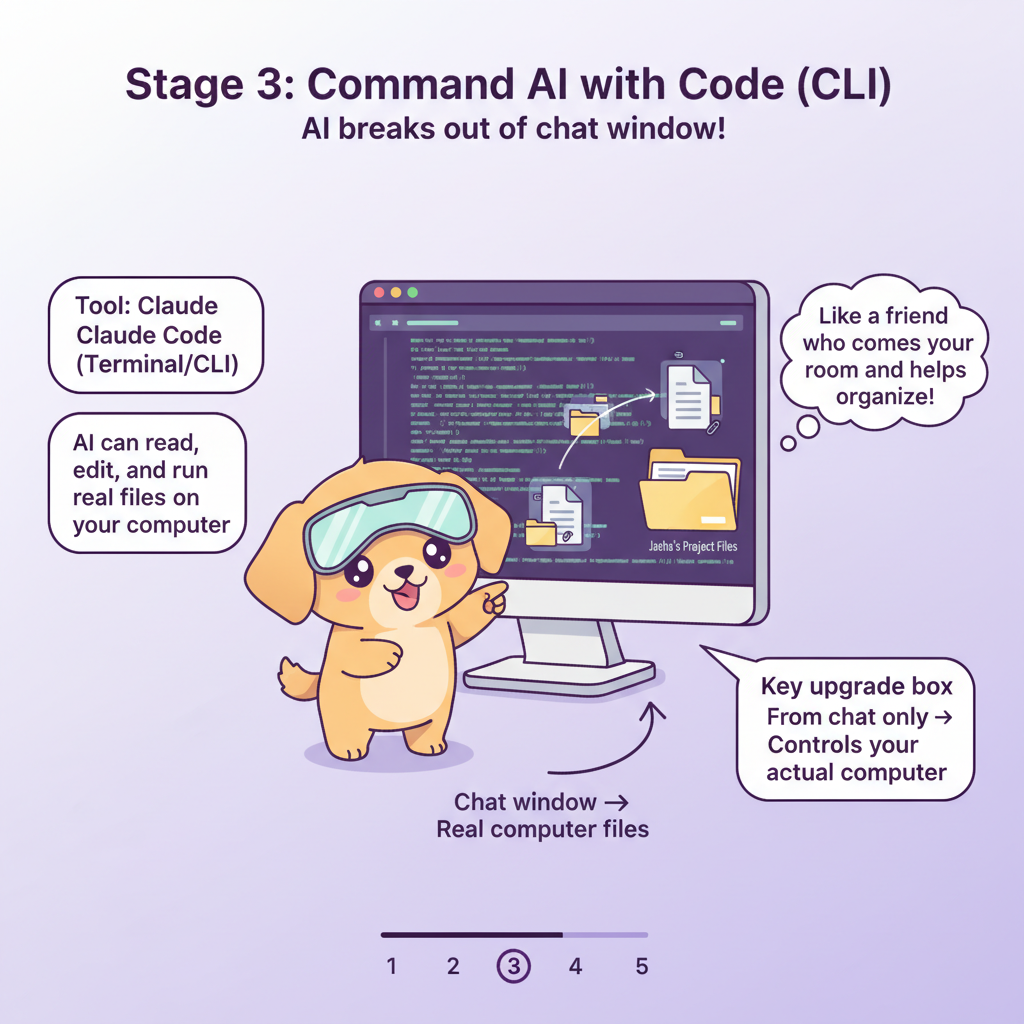
Now AI can actually touch your computer! It reads, edits, and runs real files.

Like a friend who comes to your room and helps organize!
Claude Code (Terminal/CLI)
From chat only → Controls your actual computer
claude-code
$ click a command above...
Stage 4

AI Agent (Autonomous)

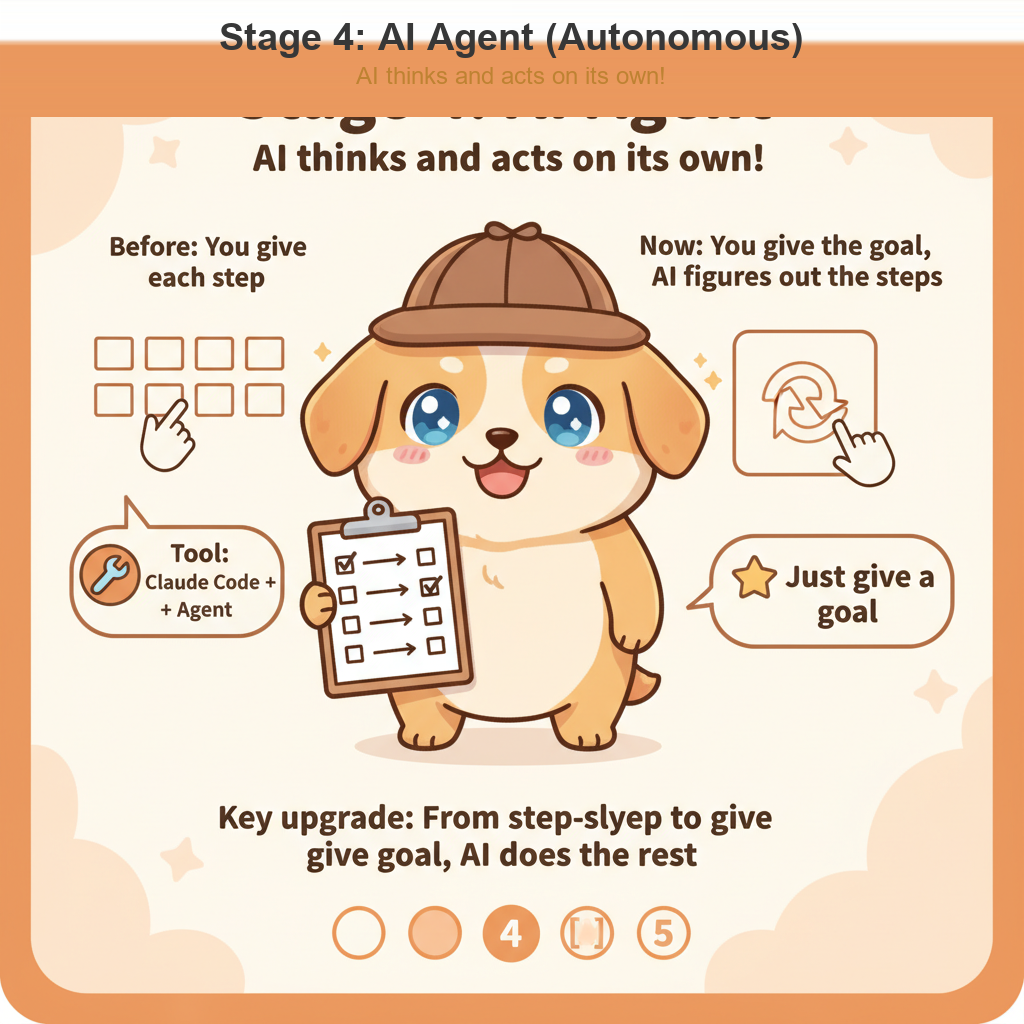
You give AI a goal, and it figures out all the steps by itself!

Like a smart puppy that cleans your whole room without being told each step!
Claude Code + Agent
From step-by-step instructions → Give goal, AI does the rest
Analyze requirements & plan structure
Create HTML layout
Add CSS styling & animations
Write JavaScript interactivity
Test & deploy the website!
Stage 4: AI Agent
Stage 5

AI Orchestration (Multi-Agent)

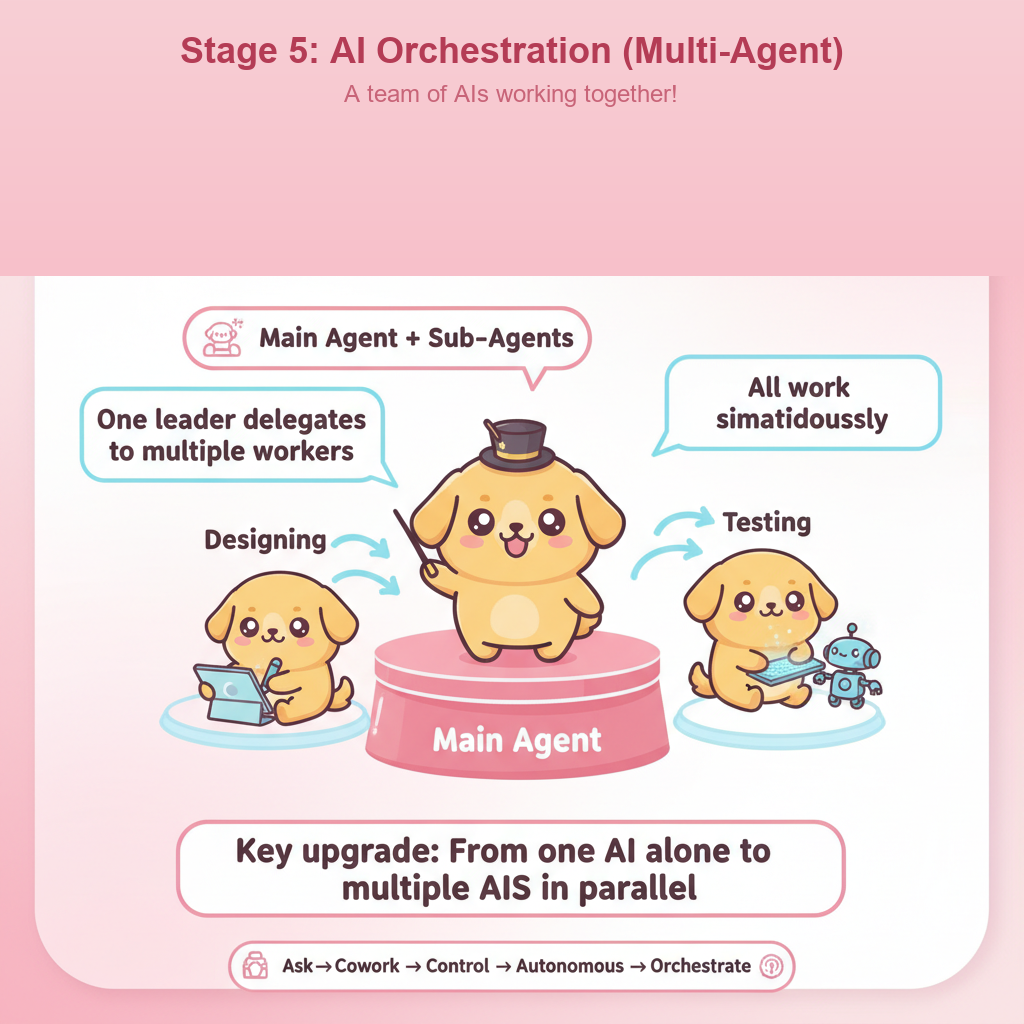
One leader AI gives tasks to multiple helper AIs, and they all work at the same time!

Like a team captain puppy leading a squad!
Main Agent + Sub-Agents
From one AI alone → Multiple AIs collaborating in parallel
Stage 5: Orchestration
Main
Agent
Research Agent
Code Agent
Design Agent
Test Agent

Your AI Journey

1
Ask
2
Cowork
3
Control
4
Autonomous
5
Orchestrate